How to flip an image horizontally or vertically
By Sekora Studios · Updated
Flip an image horizontally to mirror left and right, or vertically to swap top and bottom. Preview the change before downloading a separate copy.
Steps
- Open Flip Image and choose a JPG, PNG or WebP image.
- Choose Flip horizontal for a mirror image, or Flip vertical to turn the top and bottom over.
- Check faces, writing and logos in the preview. Choose the same button again to undo that flip.
- Use More options to choose a download format, then finish the edit and download the image.
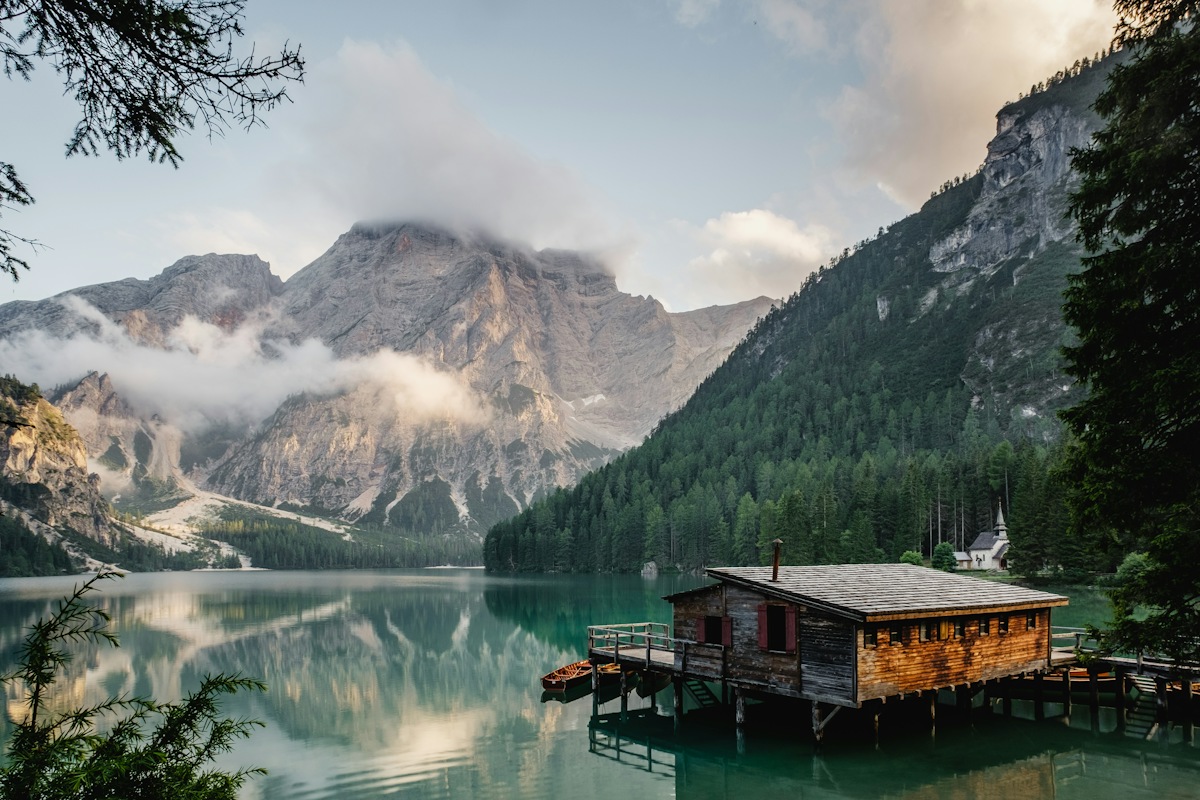
Original

Flipped horizontally
Which direction should I choose?
Horizontal flipping moves everything on the left to the right. It is useful when a selfie faces the wrong way or a subject needs to face into a layout. Vertical flipping moves the top of the image to the bottom, which can create a reflection effect.
Both flips together produce the same orientation as a 180-degree rotation. If a photo is sideways, rotate it instead.
What happens to text and image quality?
A horizontal flip also mirrors lettering. A shirt logo, sign or screenshot becomes harder to read, so check those areas before saving. This tool flips the entire image; it cannot flip only a face or selected object.
Flipping does not require a smaller canvas. PNG avoids a further lossy encoding step, while JPG and WebP offer quality controls. Repeated JPG exports can introduce compression artifacts, so keep the original and make your final export once.
More questions
Can I flip an image on my phone?
Yes. Open the tool in your mobile browser, choose a supported file and use the same horizontal or vertical controls. The browser handles the download; its save prompt can vary.
Does flipping change the width and height?
A horizontal or vertical flip keeps the pixel dimensions. A 90-degree rotation swaps the width and height.